Client Portal
A portal your clients will actually use
Most client portals sit empty because they're hard to access and confusing to navigate. Portico's portal is one click from an email — no password, no app download — and shows clients exactly where they stand.
No credit card required. Cancel anytime.
The portal nobody uses
Too many logins
Clients already have 50 passwords. Adding another account to check their onboarding status means they'll just email you instead.
Confusing navigation
Generic portals serve messaging, files, invoices, and forms through the same interface. Clients cannot find what they need without a walkthrough.
No progress visibility
Clients do not know if their onboarding is 20% done or 90% done. They cannot see what is completed and what is still needed.
Your brand disappears
Third-party portal URLs, generic logos, and "Powered by" badges undermine the professional impression you've built.
Documents tab in client portal
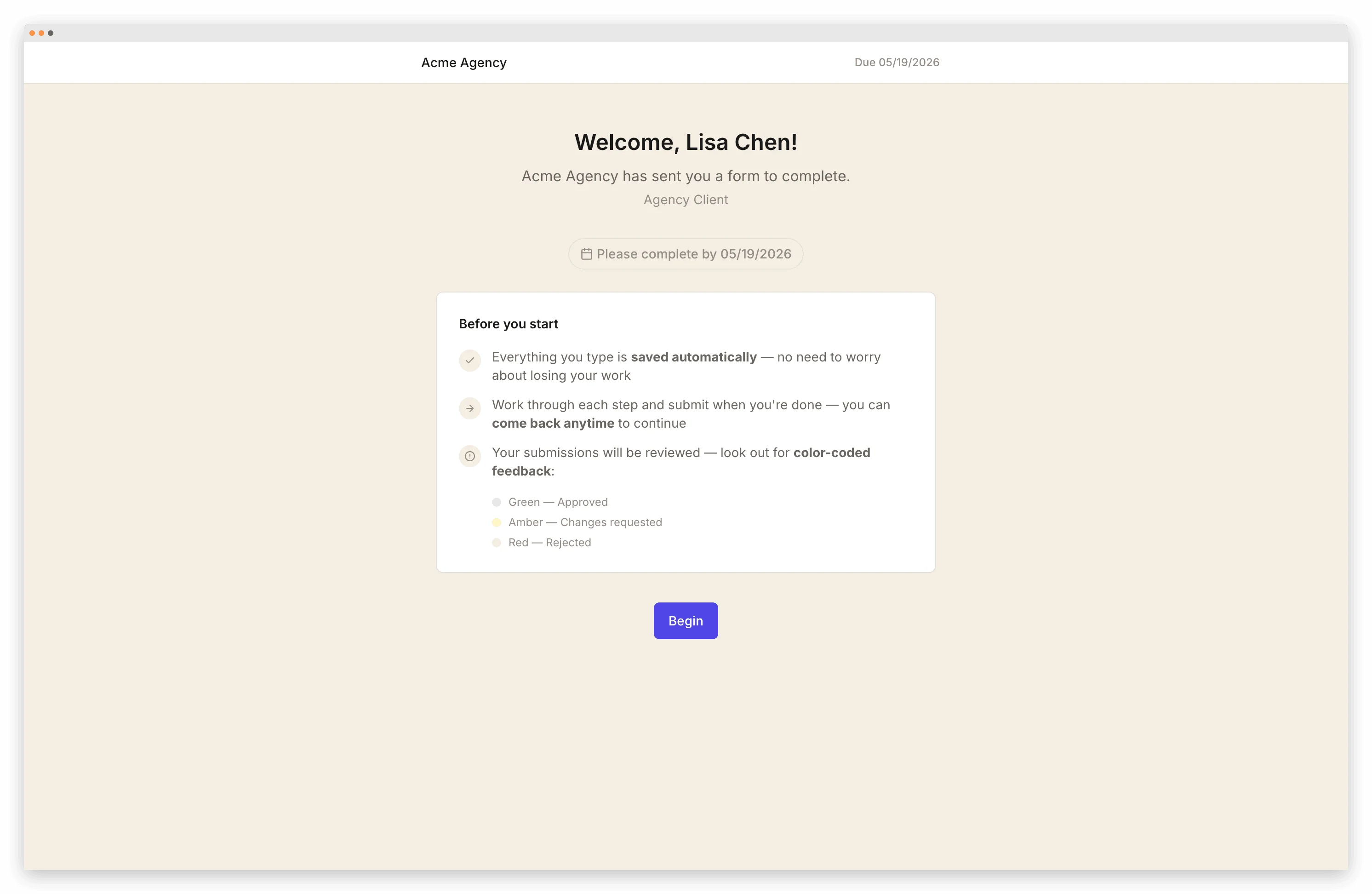
Branded portal with custom logo and colors
How it works
From setup to done
Send the onboarding
Your client receives a branded email with a magic link. One click opens their portal — no account, no password.
Clients see their status
The portal shows onboarding progress, completed steps, outstanding items, and deadlines. No confusion about what's done and what's left.
Access submitted materials
Clients can view their form responses, signed agreements, and uploaded files anytime by clicking the same link.
You see everything from your dashboard
Your team sees every client's portal status from a single dashboard. Who's done, who's stuck, what's overdue.
What's included
Magic-link access
One click from email. No passwords, no accounts, no app downloads. Clients are in their portal instantly.
Your brand everywhere
Logo, colors, and custom domain. Clients see your brand — not a third-party tool.
Step-by-step progress
Visual progress tracking shows clients exactly what's completed and what's needed next.
Document access
Clients can view submitted documents, signed agreements, and uploaded files from their portal.
Secure by default
Magic links are single-use and scoped to one client. No shared accounts, no password leaks.
Multilingual
Portal renders in the client's language. 9 locales supported.
Frequently Asked Questions
Related pages
Give your clients a portal they'll actually use
Start free. Magic-link access, branded portal, progress tracking.
Start FreeNo credit card required. Cancel anytime.