Assembly Alternative
A client portal built for onboarding, not everything
Copilot is now Assembly: copilot.app redirects to assembly.com, and the plans are $0, $29, $99, and $499 a month billed annually. Assembly is a polished client portal — with e-signatures, payments, and automations. But onboarding is split across separate apps: forms in one, contracts in another, payments in a third. And its forms do not auto-save. Portico runs the whole intake as one guided, auto-saving sequence — forms, signatures, and payments in a single flow.
No credit card required. Cancel anytime.
Why teams leave Assembly
Onboarding scattered across separate apps
Forms live in one app, contracts in another, payments in a third. Assembly has all three — but the client moves between them instead of flowing through one sequence. Portico runs forms, signatures, and payments as a single guided intake.
Single-scroll forms with no auto-save
All fields on one page — no progress bar, no step navigation. If a client closes the browser mid-form, the work can be lost. Portico auto-saves every field, so clients resume exactly where they left off.
9 field types and limited form logic
Short answer, long answer, file upload, and six more — no signature or payment fields, and no conditional branching inside forms today. Portico has 18+ field types, including inline signatures and payments, plus logic that adapts the form to each client.
Branding you do not fully control until Advanced
Assembly's 2.0 update applies your logo, font, and 3 brand colors across the login screen, emails, and invoices. But removing the "Powered by Assembly" badge entirely requires the Advanced plan at $399/month. Portico includes badge removal at $39/month.
See the difference
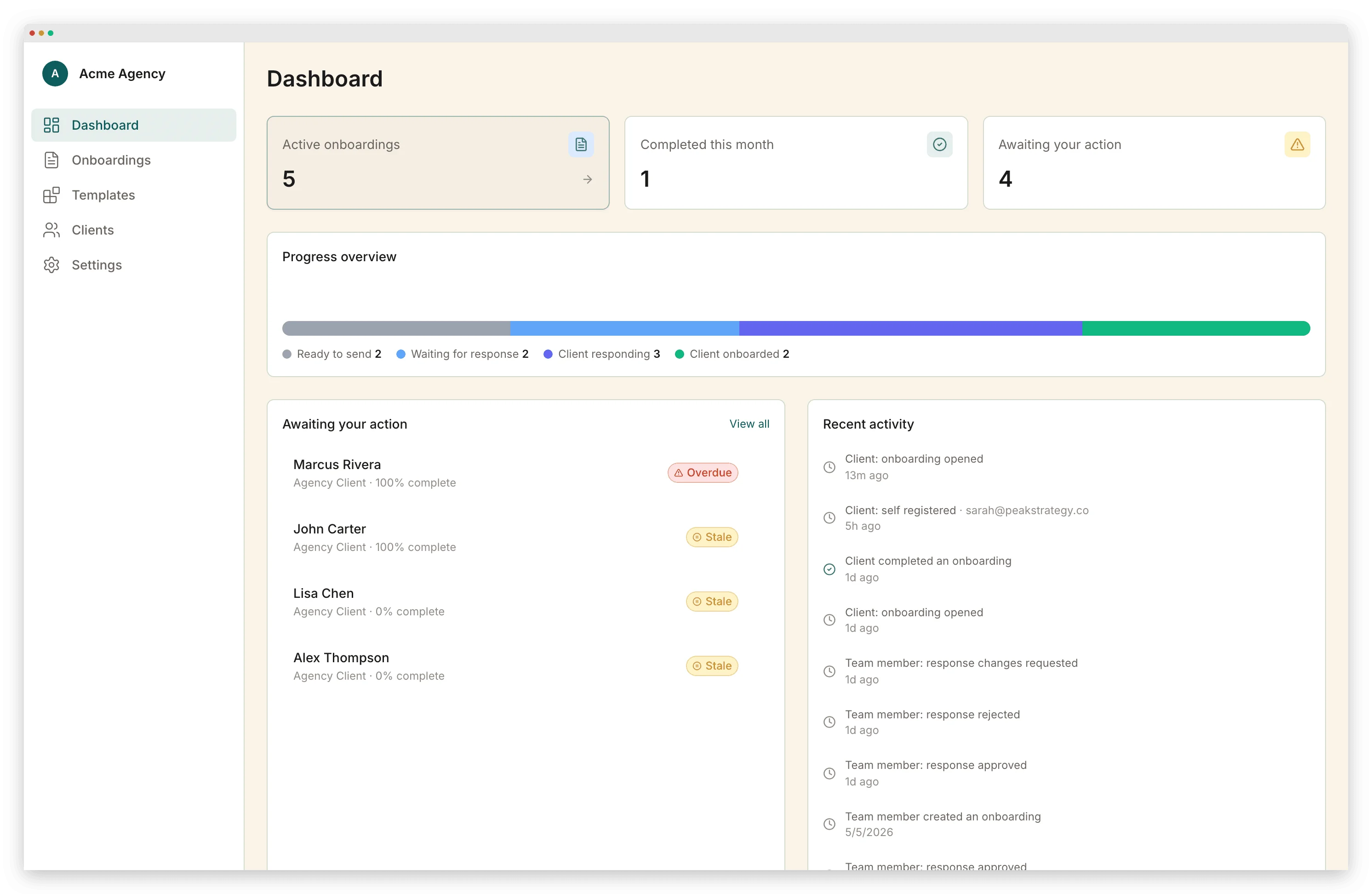
Dashboard
Assembly
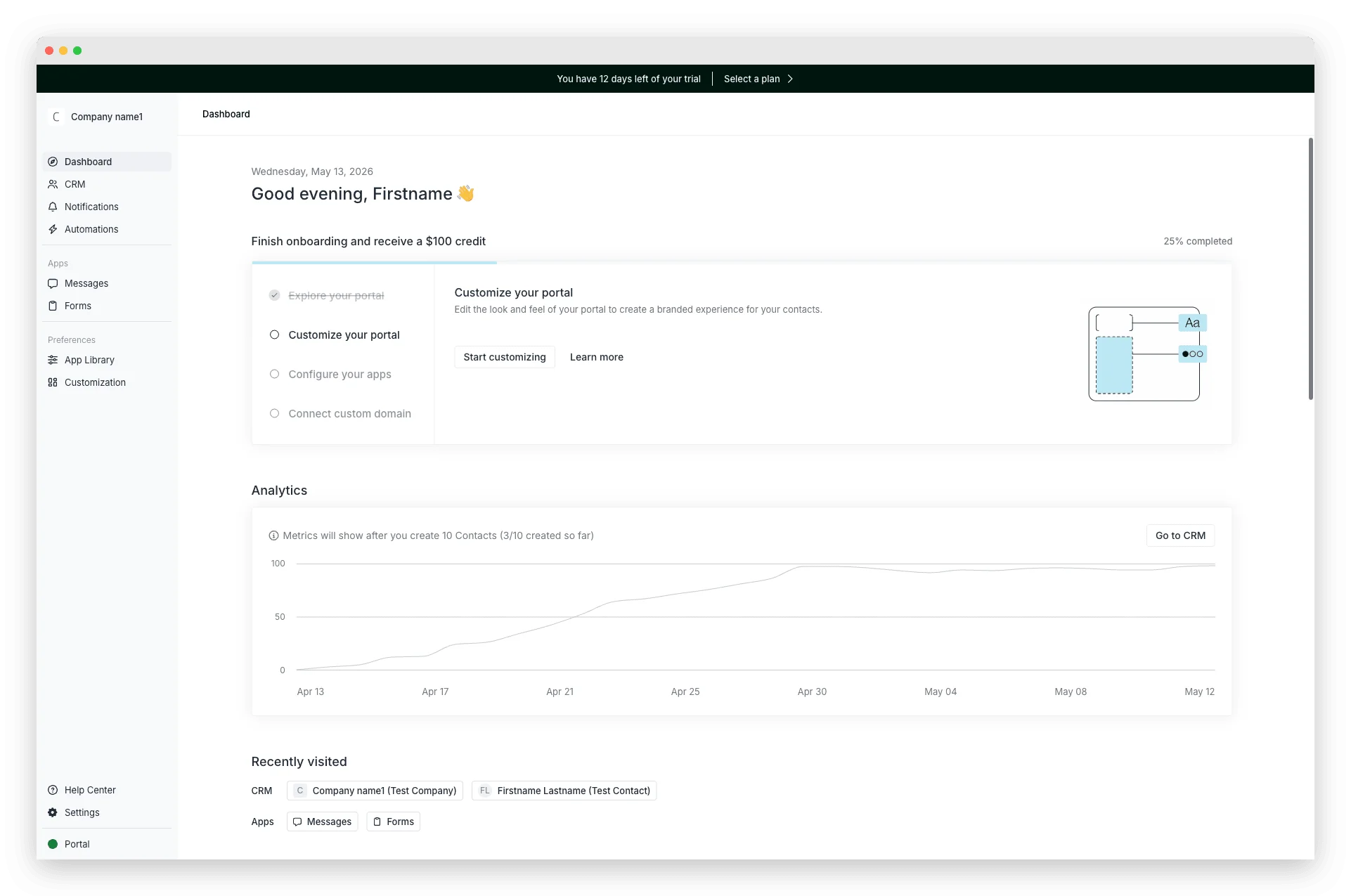
Portico
Forms
Assembly
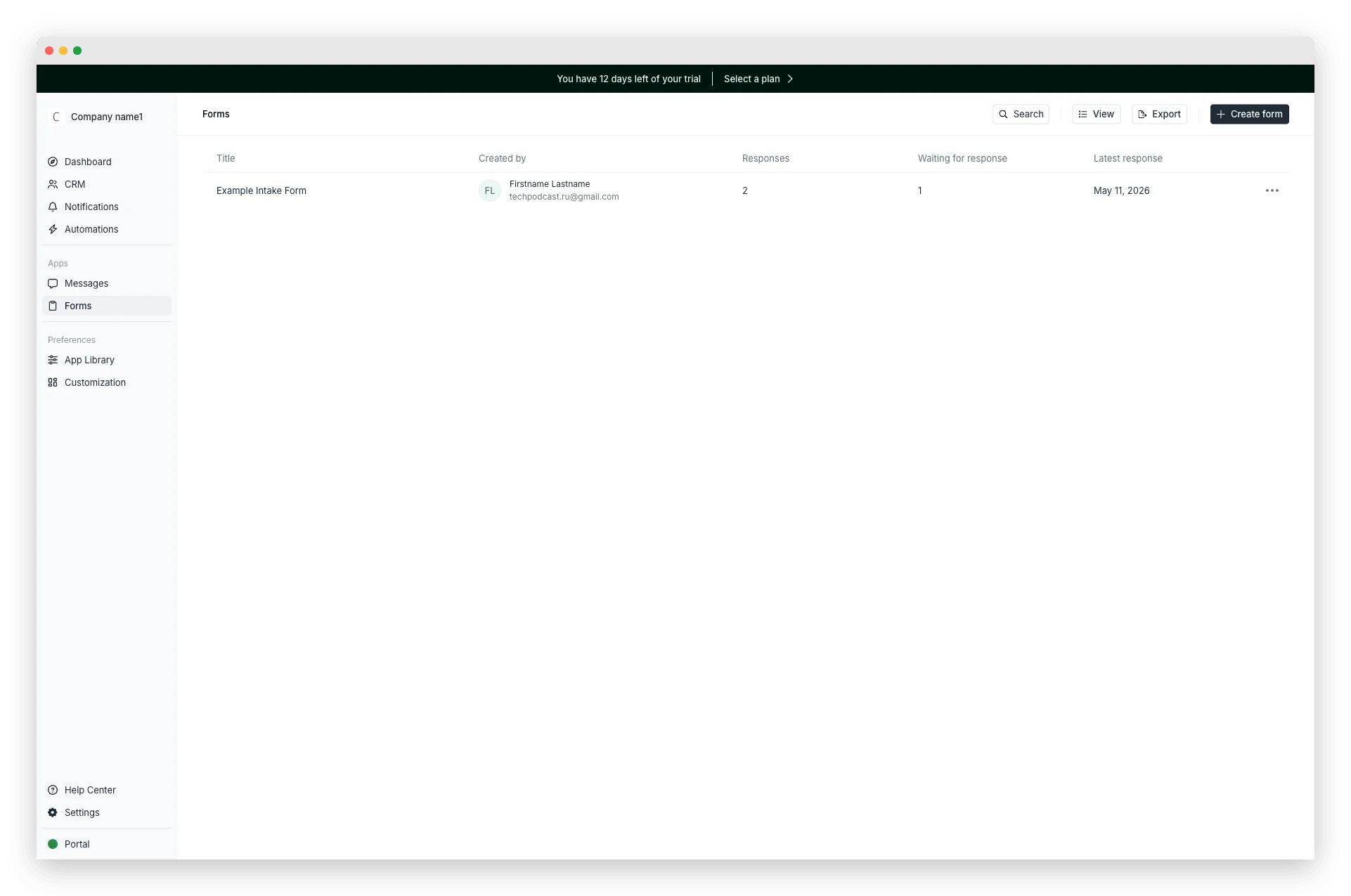
Portico
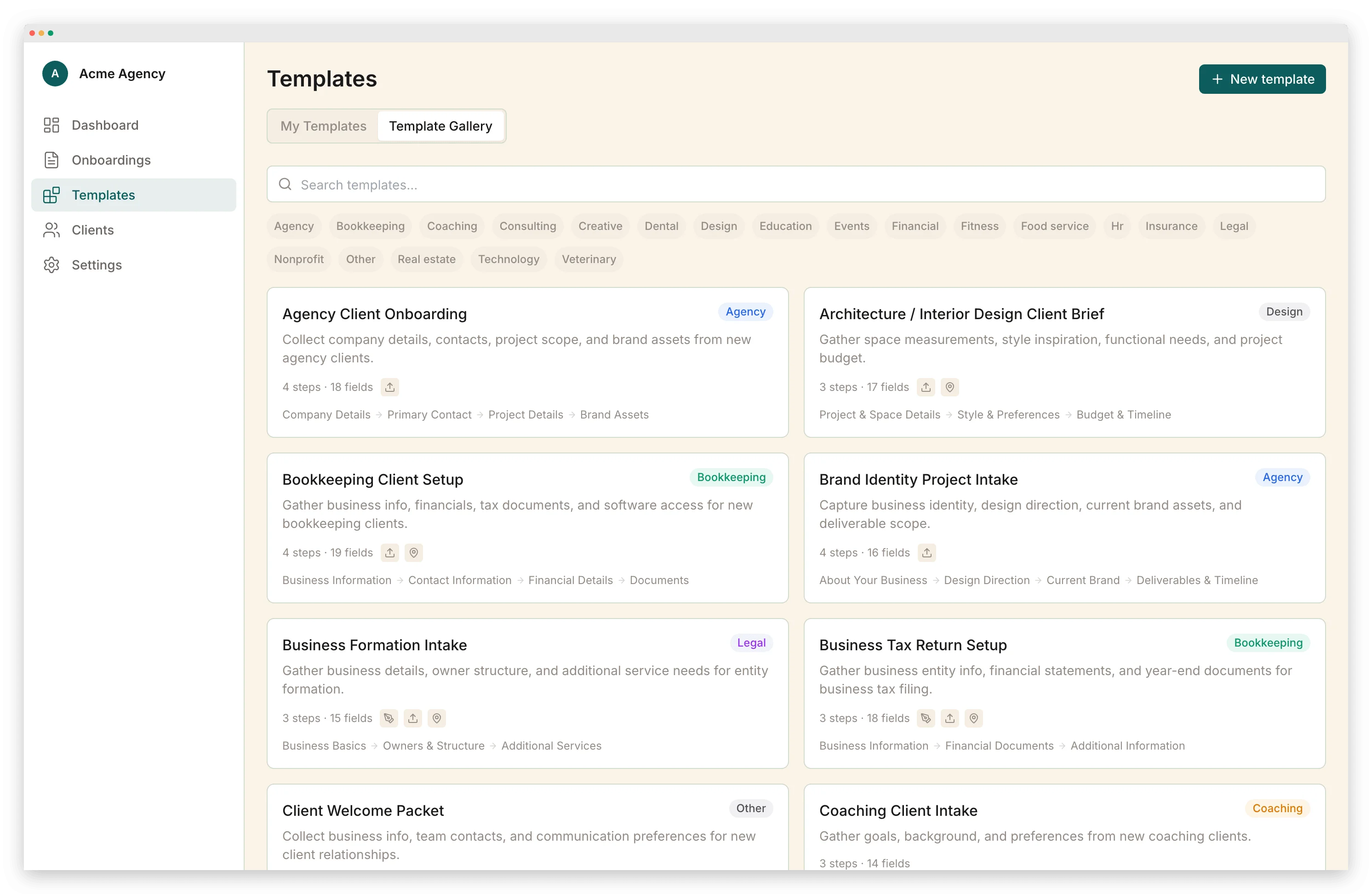
Onboarding automation
Assembly
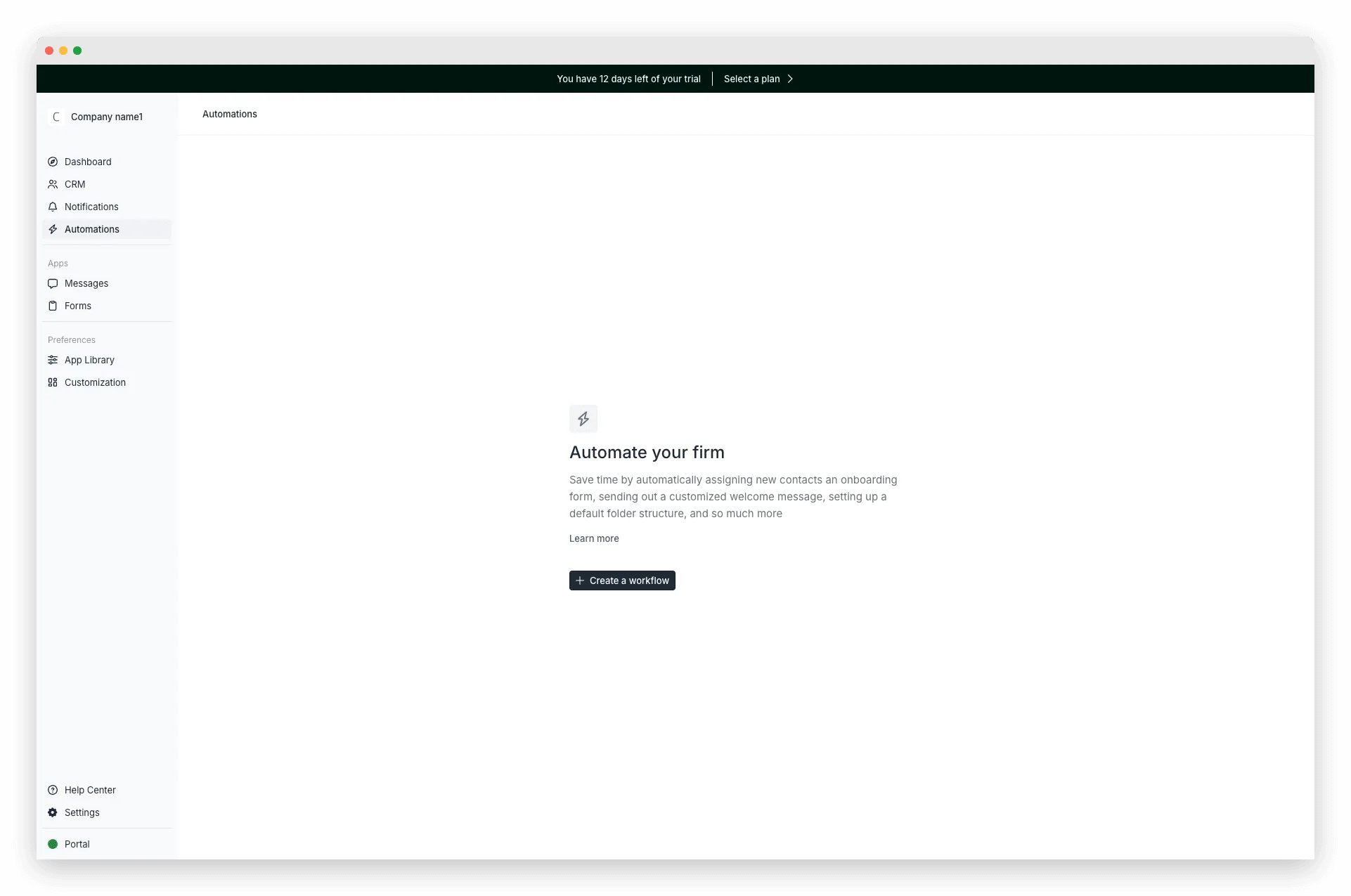
Portico
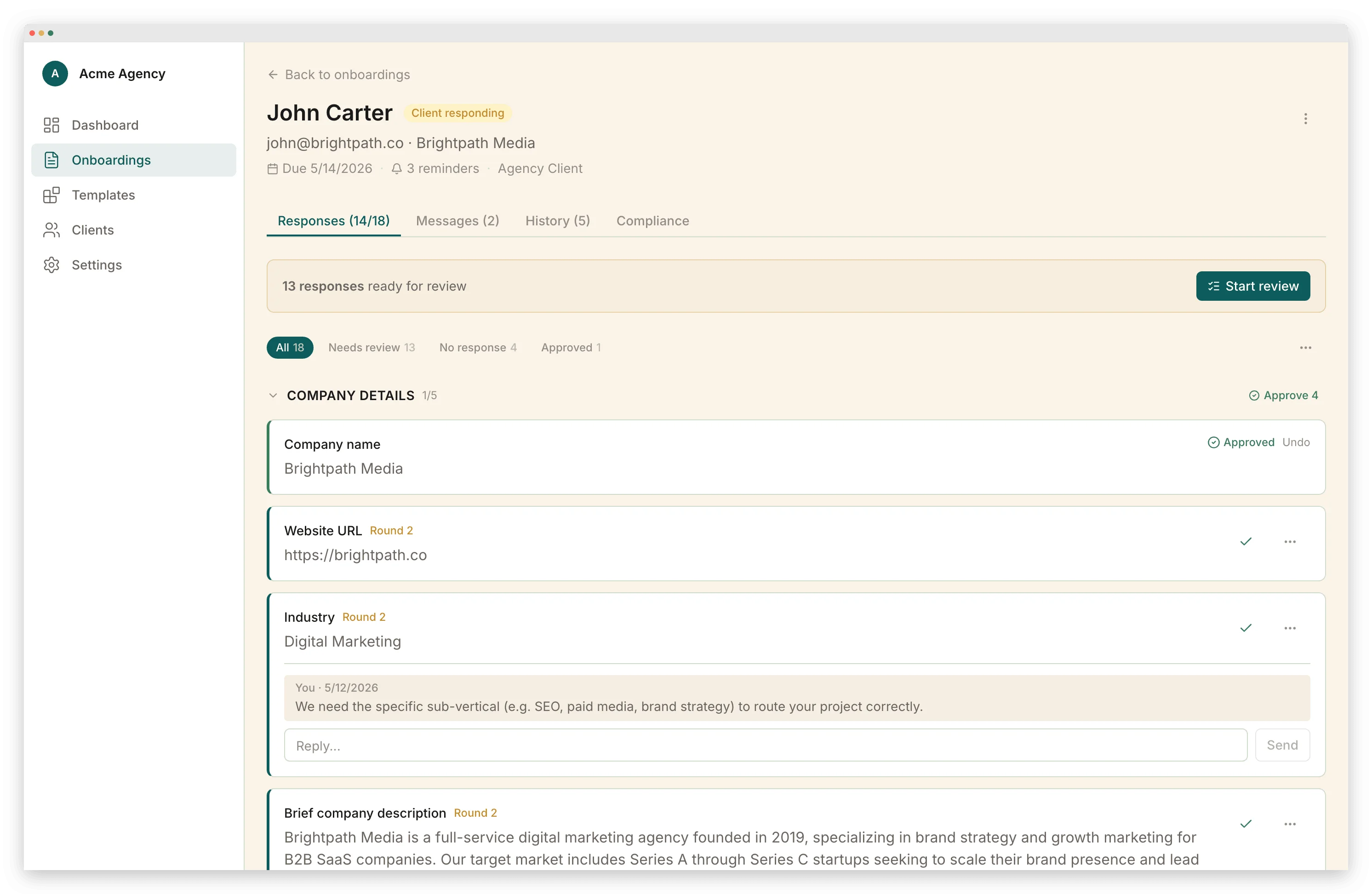
Onboarding that works. Not a portal with forms bolted on.
Forms, signatures, and payments in one flow
Clients fill in fields, sign contracts, and pay deposits as steps in a single guided sequence — not three separate apps. Nothing to hand off, nothing to switch between.
Multi-step forms with auto-save
Clients see step 2 of 5, not an endless scroll. Auto-save on every field means they can close the browser and resume exactly where they left off — work is never lost.
Per-field review built for onboarding
Per-onboarding message threads, per-field comments, and approve, reject, or request-changes on individual answers. Review tooling shaped around intake — not a generic chat bolted onto a portal.
18+ field types with conditional logic
Text, file uploads, signatures, payments, dates, dropdowns, multi-select, ratings — plus branching logic that shows different fields based on previous answers.
Full branding — not just the sidebar
Logo, colors, custom domain, branded emails with your sender name. Remove the "Powered by" badge on the Starter tier. Your brand on every surface clients see.
Portico vs Assembly
| Feature | Portico | Assembly |
|---|---|---|
| Purpose-built client onboarding | General-purpose client portal | |
| Conditional intake forms | ||
| E-signatures in the intake flow | Separate Contracts app | |
| Multi-step forms | Single scroll | |
| Auto-save on client forms | 800ms | |
| Field types | 18+ | 9 |
| Branded transactional emails | Logo + colors (2.0) | |
| Custom branding | $39/mo | 3 colors + logo/font |
| Remove "Powered by" badge | $39/mo | Advanced plan |
| Per-field comments | ||
| Per-field approve/reject | ||
| Payment collection | Separate app | |
| Client portal | ||
| In-portal messaging | ||
| Magic-link access | ||
| Workflow automations | Task-metered | |
| Audit trail | Hash-chained, tamper-proof | |
| Multilingual (9 locales) | ||
| Unlimited team members | ||
| Setup time | ~10 min | 1-3 hours |
| Starting price | $0 (free tier) | $39/mo |
Frequently Asked Questions
Related pages
Ready for a portal built for onboarding?
Start free. Send your first onboarding in under 10 minutes.
Start FreeNo credit card required. Cancel anytime.